此版本适用于 macOS Ventura
/Library/Extensions
⌘R 以进入恢复模式
选择 Utilities → Terminal 并输入命令
csrutil enable --without kext && reboot打开终端并输入以下命令:
sudo sh -c 'chown -R root:wheel /Library/Extensions/Thunderbolt3Unblocker.kext && \
chmod -R g-w,o-w /Library/Extensions/Thunderbolt3Unblocker.kext && \
kextcache -i / && \
nvram -d t3u-incompatible && \
kextload -b es.govost.ryan.Thunderbolt3Unblocker'macOS 可能会警告扩展已被阻止
需要在“系统偏好设置”中打开“安全和隐私”偏好设置面板,然后单击“允许”
挂载AkiTio Thunder3 Quad 32T Raid
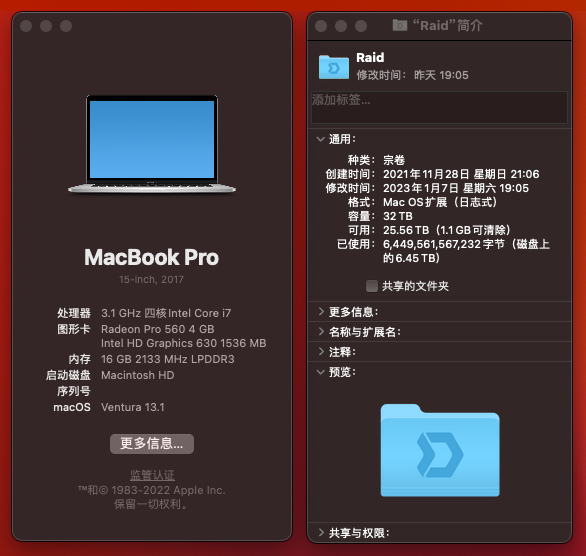
此硬件官网仅支持Windows 并不提供macOS驱动
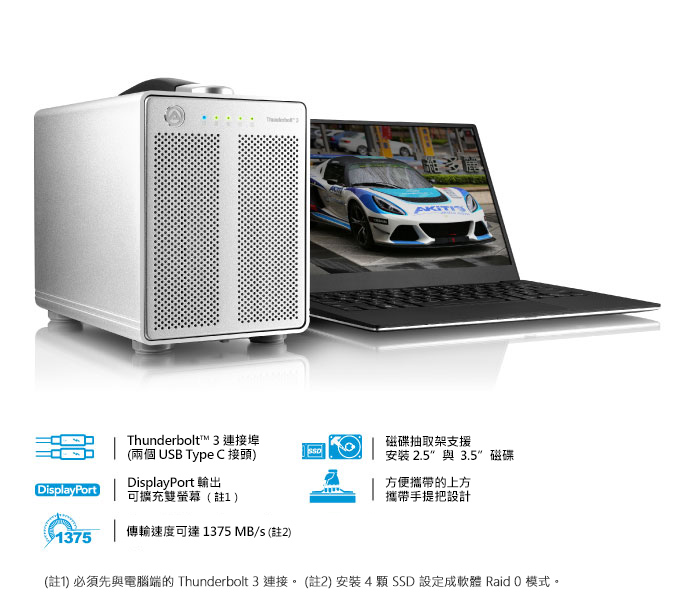
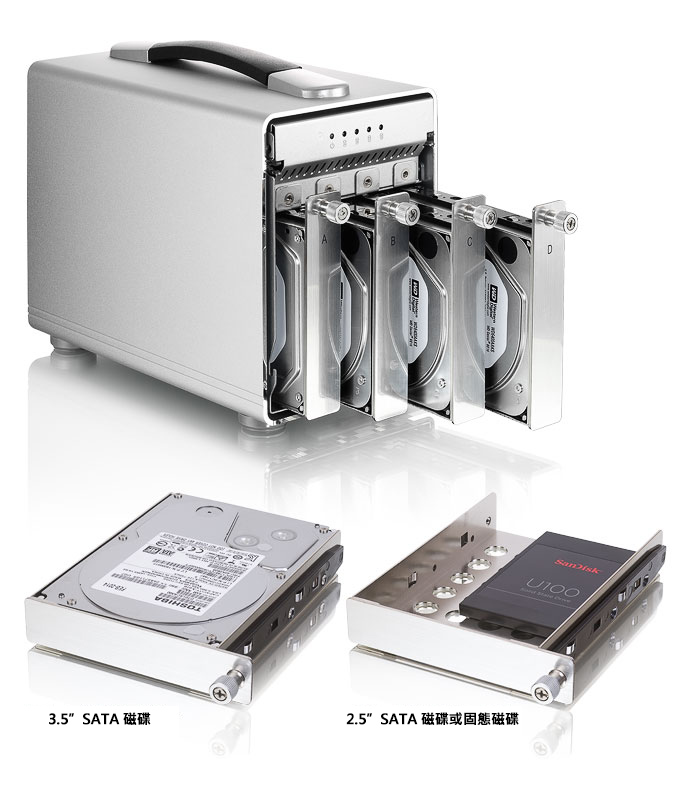
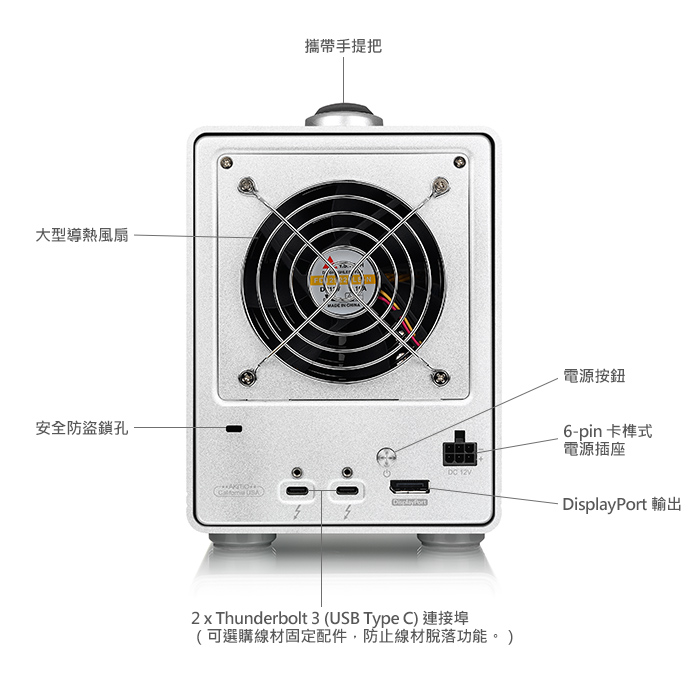
参考资料:https://github.com/rgov/Thunderbolt3Unblocker/releases/tag/v0.0.4
物料资料:https://www.akitio.com.tw/desktop-storage/akitio-thunder3-quad